



BC Game App Access in the Philippines
Mobile access is usually the first thing Filipino users notice. A desktop version can be useful, of course, but many players will open the platform from a phone while sitting at home, waiting for a ride, or following a match. That makes the mobile route more than a convenience. It becomes the main way people judge the platform.
Still, the word “app” can be a little misleading if it is used too loosely. Access may depend on the phone, browser, operating system, account status, platform policies, and the download options shown at the moment of use. One Android user may see an APK route. An iPhone user may be better served by mobile browser access. A guide written six months ago may already be outdated.
That is why the official website should always be the starting point. BC.Game publishes its terms, responsible gaming information, bonus rules, account tools, and download options through its own pages. For Filipino users, those pages should carry more weight than screenshots from forums or old app guides.
BC.Game operates through Twocent Technology Limited and lists Anjouan Gaming Licence ALSI-202410011-FI1. This does not replace the user’s own responsibility to understand local rules, but it gives a clearer place to begin when checking operator information.
Mobile Web, BC.Game App and APK Options
A phone user does not have to rely on only one access route. There are several possible ways to open the platform, and each one has its own small trade-off.
The usual mobile access routes are:
- Mobile browser. Opens the official site without installing a file.
- Android APK. Works only when the file is offered through official BC.Game channels.
- PWA-style access. May create an app-like shortcut from the browser if supported.
- iOS browser access. Often the safest practical route for iPhone and iPad users.
The mobile browser is the cleanest option for many people. There is no file to install, no storage issue, and no need to change installation settings. Open the official website, check the domain, log in, and use the account.
An installed option can feel faster if the user opens the platform often. The important detail is source. A BC Game app file should never come from a random APK site, a Telegram group, or a “mirror” page shared by someone in a comment section.
Mobile Access Options
| Access method | Android | iPhone / iPad | What to watch |
| Mobile browser | Yes | Yes | Use the official domain only |
| Official APK | Possible when offered | No Android APK route | Download only from BC.Game |
| PWA-style shortcut | Depends on browser support | Depends on browser support | Add only from the official site |
| Separate app option | Check official download page | Check official download page | Do not trust old guides |
This is the safest way to frame BC Game app access: check what the platform currently offers, then use that route without trying to improvise around it.
Where to Start BC Game Download Safely
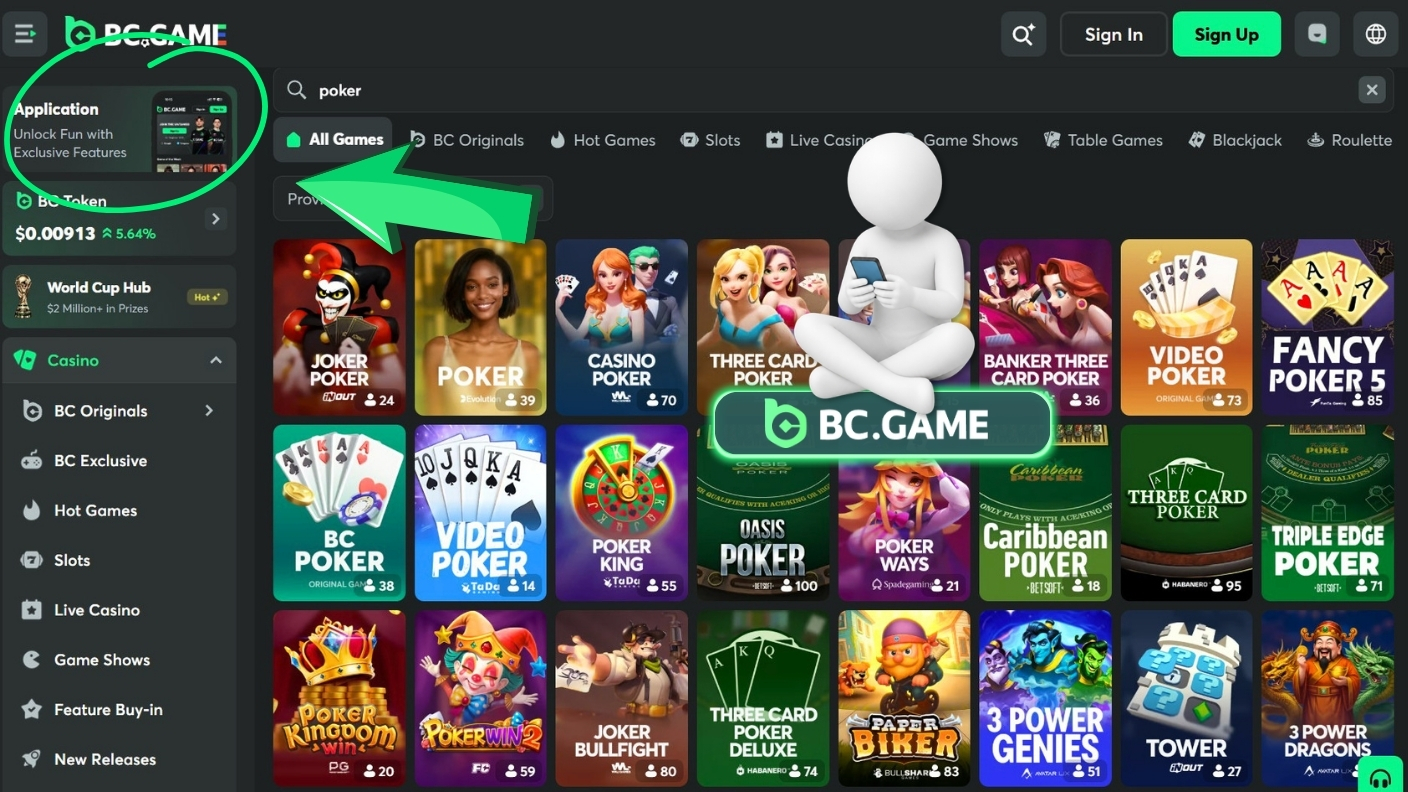
A safe BC Game download starts on the official domain. Not in a group chat. Not in a file-sharing folder. Not on a page that says “latest version” but has no real connection to the operator.
Fake app pages can look surprisingly convincing. Some use similar colors, copied icons, bonus banners, and download buttons. The page may feel familiar enough that a tired user taps without thinking.
That is where the trouble starts. A fake APK can collect login details, push users to a false cashier, show a fake bonus, or quietly add harmful code to the device. Even if the app opens normally, that does not prove it is safe.
Watch for these warning signs:
- Strange domains. The page looks familiar, but the address is wrong.
- Overpromised bonuses. The offer sounds bigger than official promotion terms.
- Messenger downloads. The file is shared through Telegram, WhatsApp, or Facebook groups.
- Urgent wording. The page pushes users to install immediately.
- Odd permissions. The app asks for access that does not make sense.
The rule is boring, but it works: if the source is not official, skip it.
BC Game App Installation Checklist
Before installing the BC.Game app, it helps to slow down for one minute. That minute can prevent most of the obvious mistakes.
Check these points before installing:
- Domain. Make sure the address belongs to BC.Game.
- HTTPS. Confirm the browser shows a secure connection.
- Branding. Look for spelling tricks or strange logo changes.
- File source. Avoid APKs sent through chats or social media.
- Permissions. Read what the app wants to access.
- Login page. Never enter a password on an unknown page.
- 2FA. Turn it on after the first successful login.
This checklist is especially useful on Android, where installing an APK may require permission outside the usual store flow. If something feels off, it is better to stop than to “test it anyway.”
Android Use in the Philippines
Android users in the Philippines are often used to managing apps directly from the phone. That makes Android access practical, but it also means users need to be more careful about where files come from.
A sensible installation path is simple. Open the official bc.game website, find the app or download section, check the address, download the file only if it is officially offered, allow installation from a trusted source if required, complete setup, then log in.
Do not search for “newest APK” on the open web. That phrase is exactly how many users end up on third-party pages with old or modified files. If an update is needed, return to the official source.
After installation, account security should come before games. Use a password that is not shared with email, social media, or other gambling accounts. Turn on 2FA. If passkey login is available in the security area, consider using it on a personal device.
A clean setup feels less exciting than opening the lobby straight away, but it is much safer.
iOS and Browser Access
For iPhone and iPad users, mobile browser access is usually the most practical route. Safari or another supported browser can open the official site without installing anything.
Any iOS download option should be checked only through the official BC.Game download section. It is better not to rely on old instructions, random “iOS app” claims, or pages that ask users to change regional settings in a suspicious way.
The browser version can still cover the main tasks. Users can log in, view the lobby, open promotions, check wallet options, review account settings, and manage security tools.
The key point is simple: do not force an installation just because a website says it has one. If the official platform does not clearly provide the route, browser access is the safer choice.
BC Game App Login and Mobile Security
Login is where many problems begin. The page may look normal, the button may look familiar, and the user may be in a hurry. That is why the domain check matters before the password is typed.
A secure routine should include:
- Unique password. Do not reuse one from email, banking, or social media.
- 2FA. Keep a second verification step active.
- Anti-phishing tools. Use available settings that help identify official communication.
- Device control. Log out on shared or borrowed phones.
- Public Wi-Fi caution. Avoid account actions on open networks.
BC.Game also supports passkey functionality, which can reduce dependence on typed passwords by using device-based verification. For users who mostly play from one personal phone, this can make account access both easier and safer.
One small habit is worth keeping: do not save login details on a device other people can open.
Mobile Wallet, Deposits and Withdrawals
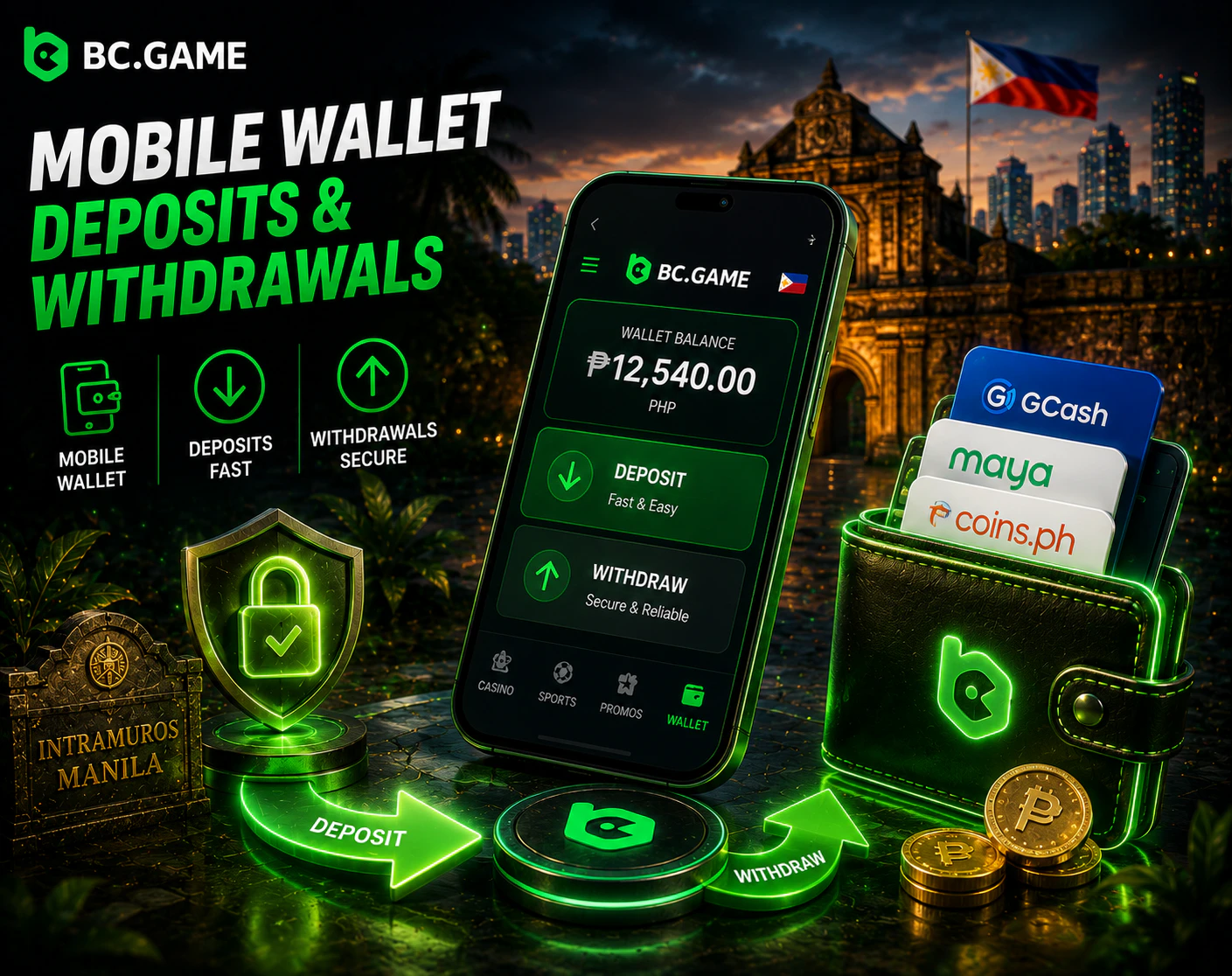
The mobile cashier is convenient because users can handle balances, deposits, withdrawals, and transaction checks without moving to a desktop. But money actions on a small screen should never be rushed.
Payment options can depend on region, selected currency, KYC status, provider availability, and account conditions. Limits, fees, and processing times can also change. For that reason, the cashier inside the account is the only place that should be treated as current for a specific user.
Before confirming a deposit or withdrawal, check the method, network, amount, fee information, and destination details. With crypto, the network choice matters. With fiat-style routes, provider rules may matter. With any method, KYC checks can slow things down if extra verification is requested.
A phone makes payments fast. That is useful, but it also makes careless taps easier.
BC Games on Mobile
The mobile lobby is built around quick movement between categories. A user can open casino games, sports markets, live casino, promotions, wallet tools, and account settings without needing a large screen.
BC Originals are one of the most recognizable parts of the platform. Games such as Crash, Plinko, Mines, Dice, Limbo, and Keno fit mobile play well because rounds are short and controls are simple. Several original titles use provably fair mechanics, which allow players to check results rather than relying only on trust.
Mobile Game Categories
| Category | Mobile use |
| BC Originals | Crash, Plinko, Mines, Dice, Limbo, Keno, and similar quick games |
| Slots | Provider slots shown through the casino lobby |
| Live Casino | Dealer tables and streamed formats where available |
| Sportsbook | Pre-match and live betting markets depending on schedule |
| Instant Games | Short-session titles suited to mobile play |
| Account Area | Wallet, security settings, bonuses, and profile tools |
The mobile layout matters because many users switch tasks often. A Filipino player may check a basketball market, open a slot, return to the cashier, then adjust account settings. A clean interface makes those moves less annoying.
Bonus access is also available through the account area when the user is eligible. The casino welcome package currently includes four deposit stages: 120% plus 100 Free Spins on the first deposit, 100% plus 100 Free Spins on the second deposit, 80% plus 100 Free Spins on the third deposit, and 80% plus 100 Free Spins on the fourth deposit. Published terms usually include a 40x wagering requirement and 30-day validity.
Sports users may see a separate welcome offer: 80% plus 5 Free Bets on the first deposit, 80% plus 5 Free Bets on the second, 60% plus 5 Free Bets on the third, and 60% plus 5 Free Bets on the fourth. These offers are tied to published conditions, including qualifying bet requirements, so the active bonus page should be checked before claiming.
Responsible Mobile Play
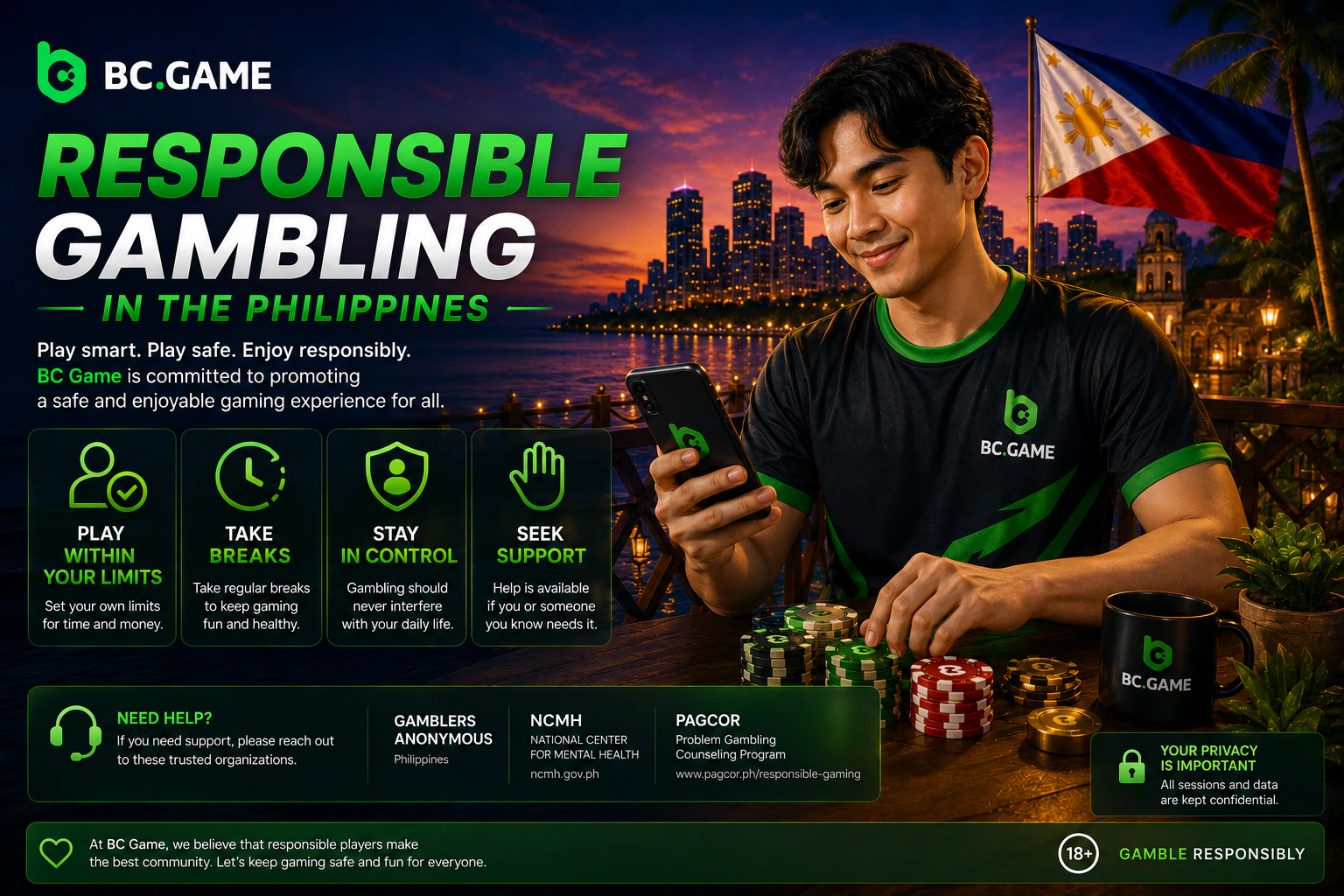
Mobile play is easy to start, which is exactly why limits matter. A phone is always close, and short sessions can quietly become long ones.
A healthier approach starts before the first bet. Set a budget. Decide how long the session should last. Take breaks. Do not treat a losing round as something that must be repaired immediately.
Chasing losses is one of the clearest warning signs. It changes the mood of the session and usually leads to worse decisions. If the game starts to feel tense, stepping away is the better move.
BC.Game provides responsible gaming information and account control tools. Users who need stronger boundaries should review those tools early, not only after a bad session.
Gaming should stay entertainment. Once it starts feeling like pressure, it is time to stop.